Standing Desks for Hybrid Work: Buy for the Transition, Not the Trend
A quiet lift, usable depth, and good cable slack make sitting-to-standing changes easier.
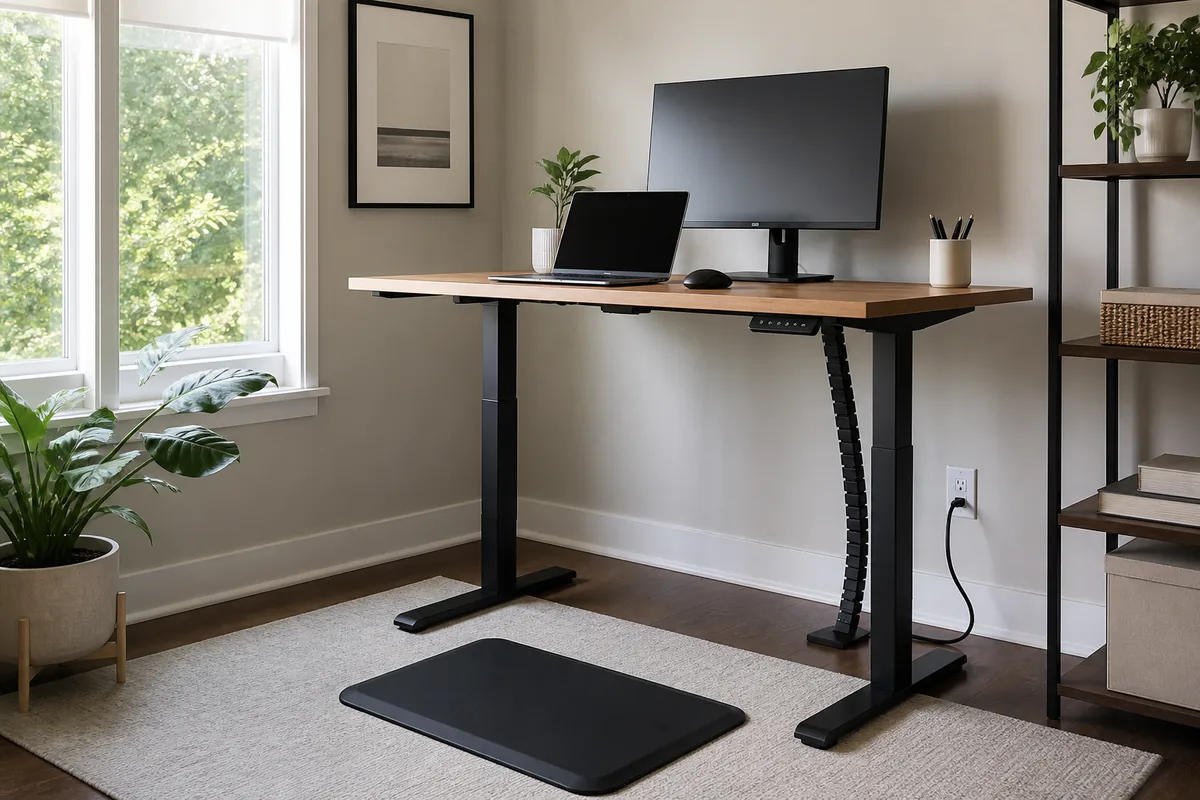
A video call ends and the next task should happen standing, but the chair catches the frame, the monitor cable tightens, and a mug sits near the controls. If changing height feels fussy, the desk stays in one position.
Choose a stable desk that covers both seated and standing elbow height, leaves enough depth for viewing distance, and manages cables through the full travel range.
Measure the Room You Actually Use
Measure comfortable elbow height in both positions, monitor footprint, door swing, and chair clearance. Check the desktop and frame dimensions separately.
What Matters Before You Compare Products
- Stable movement through the usable height range
- Controls and presets that are simple enough to use
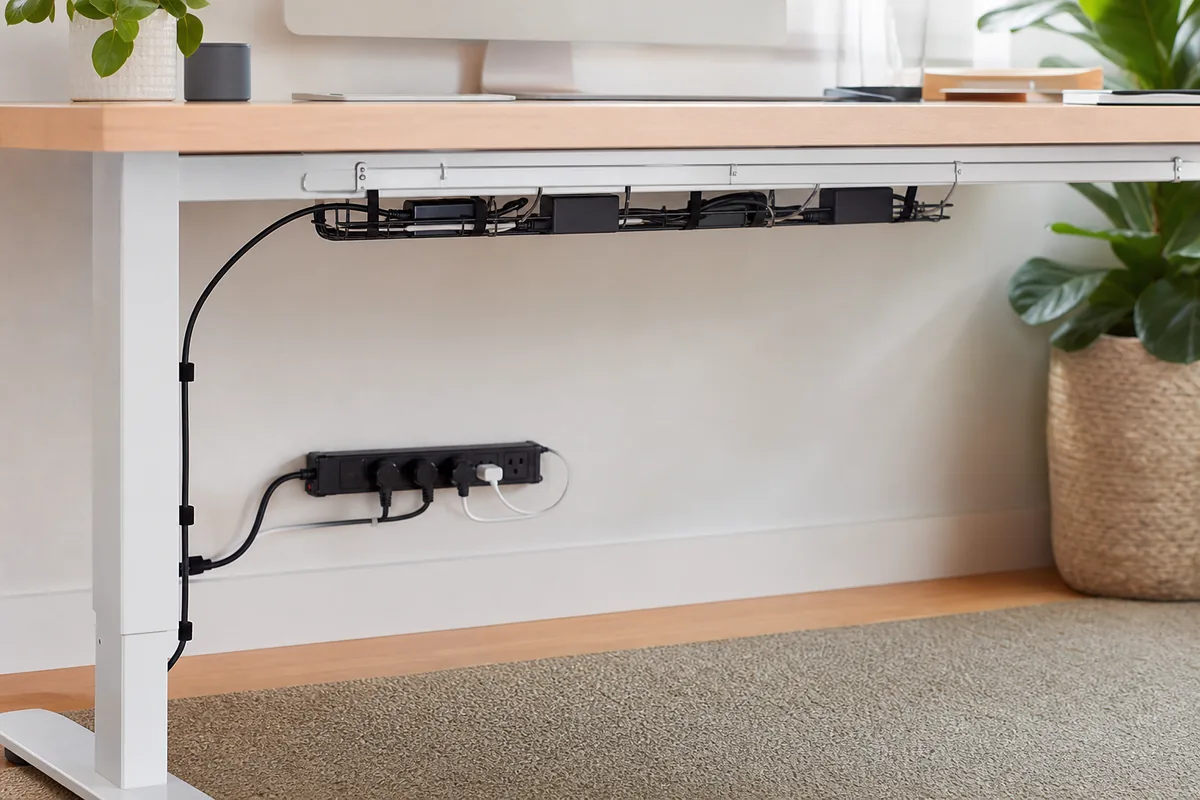
- Cable slack and collision clearance below the top
A useful shortlist should solve a specific routine rather than chase the longest feature list. The three formats below cover different household patterns; none is automatically best for everyone.
Three Smart Ways to Shop This Category
Electric two-motor desk
A powered frame makes frequent transitions easier.
Tradeoff: It costs more and adds electronics that may need service.
Browse current optionsCompact electric desk
A narrower top preserves room while still supporting one focused setup.
Tradeoff: Limited depth can make a large monitor feel too close.
Browse current optionsDesktop sit-stand converter
It adds height adjustment without replacing the whole workstation.
Tradeoff: It consumes work surface and raises keyboard height even when lowered.
Browse current optionsA Practical Plan Before Checkout
- Measure your body position, not a generic height chart.
- Route every cable with the desk at its highest point.
- Alternate gradually instead of treating standing all day as the goal.
Common Buying Mistakes
- Choosing a shallow top for a large display
- Leaving a fixed cable shorter than the lift travel
- Assuming a standing desk replaces movement breaks
The PickAbode Verdict
An electric desk is worth it when you will change height several times a day. A converter is a sensible lower-commitment choice for a stable existing desk.
Before purchasing, confirm current dimensions, materials, care instructions, delivery terms, returns, warranty, and availability on the retailer or manufacturer page. Product listings and inventory can change after this guide is updated.
Frequently Asked Questions
Is one motor enough?
Motor count alone does not determine stability or capacity. Compare the complete specifications and warranty.
Do I need a standing mat?
Some people find one comfortable, but supportive footwear and regular position changes also matter.
How deep should the desktop be?
Deep enough for a comfortable viewing distance, keyboard space, and the monitor base without crowding.