TV Stands With Cable Management: What to Look For Before You Buy
Ventilation, cord routes, and everyday access matter more than a perfectly closed facade.
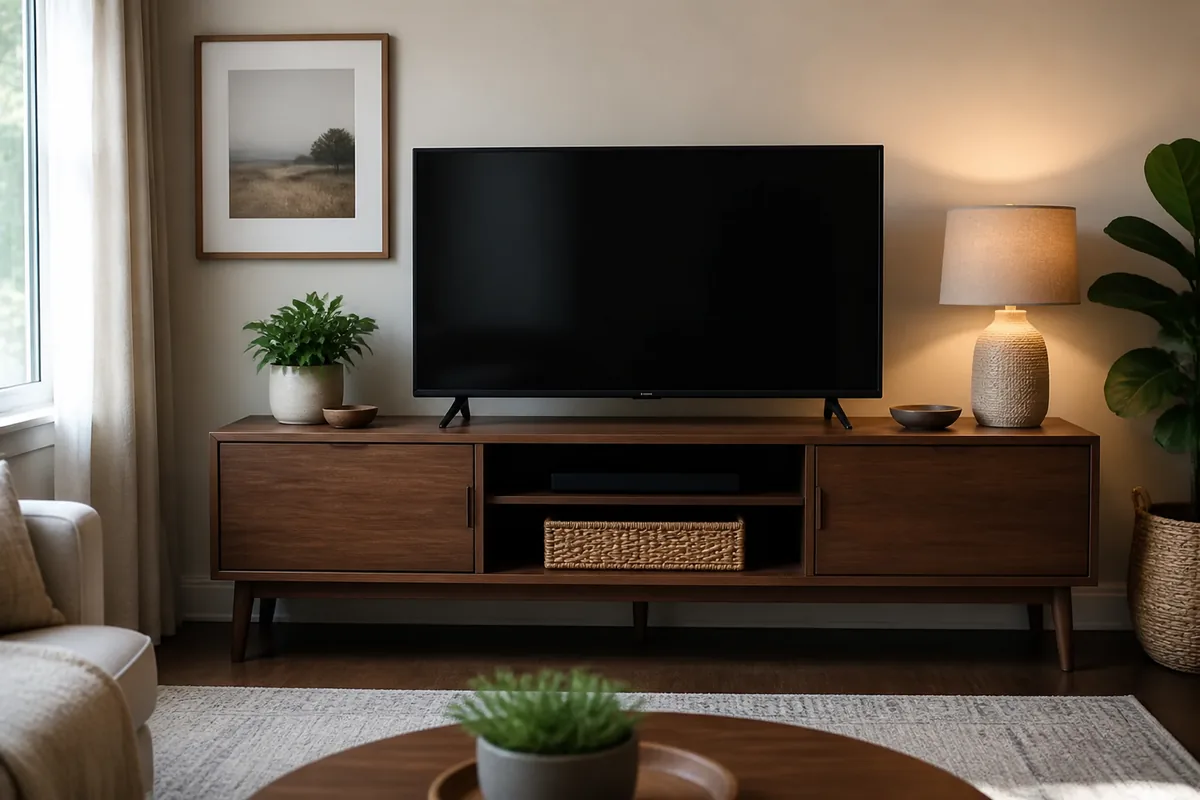
The game console updates, the router restarts, and a visiting relative needs to plug in a streaming stick. A media unit that hid every cable beautifully on day one can become frustrating if the rear panel leaves no way to reach the equipment.
Choose a stand with generous rear openings, ventilated compartments, adjustable shelves, and enough depth for plugs to bend naturally. Closed storage should still allow routine access.
Measure the Room You Actually Use
Measure the widest equipment, the plug depth behind it, and the furniture depth including doors. Confirm that the TV base—not only the screen—fits on the top.
What Matters Before You Compare Products
- Ventilation around heat-producing devices
- Rear access without emptying the cabinet
- A cord path that keeps power and signal cables organized
A useful shortlist should solve a specific routine rather than chase the longest feature list. The three formats below cover different household patterns; none is automatically best for everyone.
Three Smart Ways to Shop This Category
Open-back media console
Equipment stays accessible and heat escapes easily.
Tradeoff: Cables need disciplined bundling because they remain visible.
Browse current optionsSlatted-door TV stand
Slats disguise equipment while allowing airflow and some signal passage.
Tradeoff: Dust can still enter and internal width varies.
Browse current optionsLow console with removable panels
Panels conceal the wall connection while opening for service.
Tradeoff: Removal may require moving the stand away from the wall.
Browse current optionsA Practical Plan Before Checkout
- Sketch each device and connection before shopping.
- Leave one spare outlet and one accessible cable route.
- Anchor tall or tip-prone furniture according to its instructions.
Common Buying Mistakes
- Packing warm equipment into a sealed cubby
- Forcing right-angle plug bends against the wall
- Choosing top width from the TV diagonal measurement
The PickAbode Verdict
An open-back or generously vented console is usually easier to live with than a fully sealed showpiece. Hide the cable run with reusable ties and a basket, not by blocking airflow.
Before purchasing, confirm current dimensions, materials, care instructions, delivery terms, returns, warranty, and availability on the retailer or manufacturer page. Product listings and inventory can change after this guide is updated.
Frequently Asked Questions
Can a router go inside a TV cabinet?
It may reduce ventilation or wireless performance. Follow the router maker's placement guidance and keep it accessible.
How wide should the stand be?
At minimum it must support the TV feet safely; a slightly wider stand often looks more balanced.
Are cable boxes safe?
Use products designed for power strips, keep ventilation clear, and follow the strip manufacturer's instructions.